Chess research,
in one place.

Opening evidence, engines, databases, studies and repertoire.
Together in one local-first workspace.

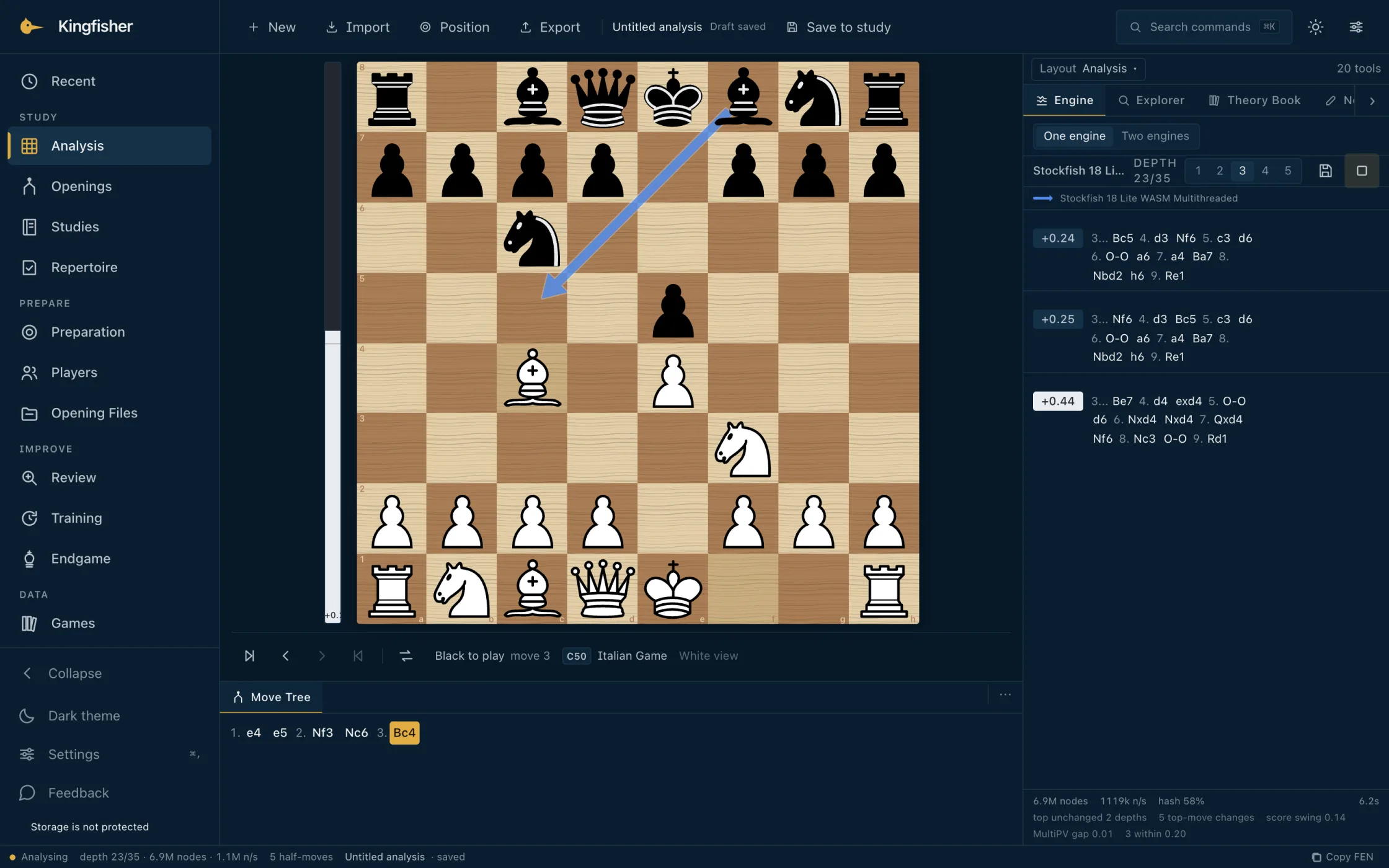
The Kingfisher analysis workspace: the board after 1. e4 e5 2. Nf3 Nc6 3. Bc4 with Stockfish 18 running, its best move drawn as an arrow on the board and three engine lines beside it
172,376Games in the bundled pack
20Full moves indexed
3,810Named openings, ECO codes
0Accounts · cookies · telemetry

Why Kingfisher

A workstation, not a wrapper.

Evidence, not a verdict.

Every statistic is labelled with the source it came from. The Explorer never blends Elite OTB with High-Rated Online and prints a single number — you see both, separately, with the licence and provenance on the row.

One board, one tree.

Analysis, Studies, Repertoire, Review, Training and Endgame share a single board and a single move tree. The position you are in is the position the rest of the application follows.

Stays out of the way.

Your work is in the browser. Your reference data is verified against a manifest before the first byte is used. There is no account to set up, no dashboard to learn, no tier to pay for.

Research

Open the line, not just the next move.

A moves history is the games that played it. The Explorer queries the source you name, returns the count and the trend, and keeps the line, the result, the rating and the licence on the row next to the data — not in a separate document you have to remember to read.

  • Kingfisher StarterBundled · 172,376 games · 246,870 position aggregates · CC BY-SA 4.0 · works offline
  • Elite OTB407,538 games · 5,438,808 positions · CC BY-SA 4.0 · installable on demand
  • Recent Theory44,200 games · 918,069 positions · CC BY-SA 4.0 · two-year window
  • High-Rated Online305,169 games · 315,668 positions · CC0 1.0 · Lichess 2400+
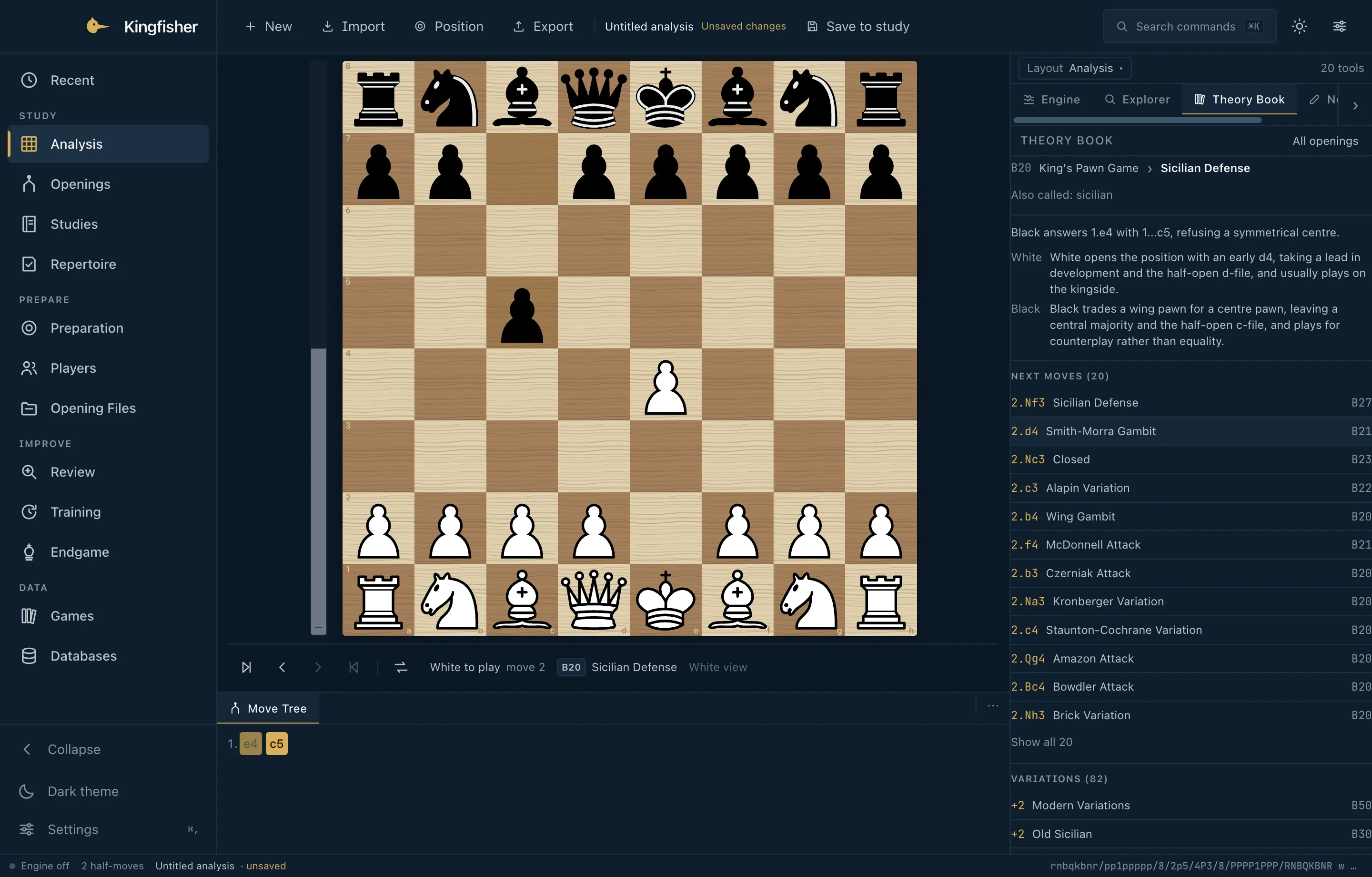
Kingfisher Explorer comparing Elite OTB and Recent Theory on the same position, each with its own count and licence
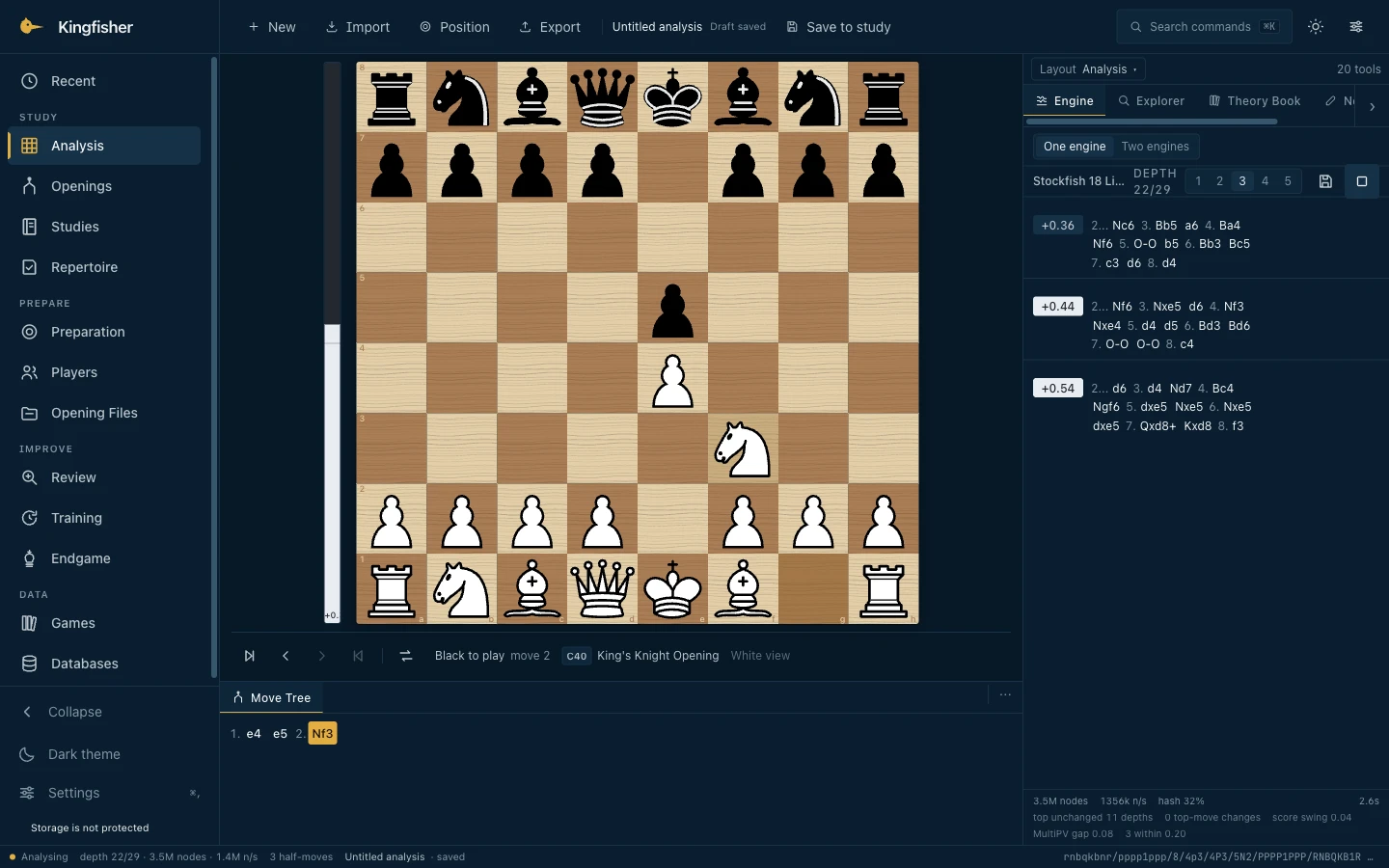
Stockfish 18 analysing the position after 1. e4 e5 2. Nf3 in Kingfisher

Engines

More than one way to see a position.

Stockfish 18 is in the browser, sandboxed and instant. On macOS, native engines install through Settings with their digest verified and their licence on the row. Two engines can run side by side.

Lc0 (Leela Chess Zero) is qualified on Apple Silicon. If you already have Syzygy files, Kingfisher can probe them locally.

Local-first

Your chess. Your machine.

Your studies, repertoire and notes stay on your machine. Reference data installs once and works offline. No account. No telemetry. Chess on your terms.

Get Kingfisher

One workspace. Two ways in.

macOSStable

The local workstation.

Apple Silicon. Signed and notarised — it opens like any other application.

  • Version1.1.2 · build 516
  • Architecturearm64 (Apple Silicon)
  • Minimum OSmacOS 13 (Ventura)
  • FileKingfisher-1.1.2-arm64.dmg · 159 MB
  • TrustSigned with Apple Developer ID · Notarised by Apple
Download for macOS

Apple Silicon · Notarised · Install guide · SHA-256 a2d937740907

Already using Kingfisher? Download the latest DMG and replace the app in Applications. Your local Kingfisher work — Studies, Repertoire, Training, preferences — lives in ~/Library/Application Support/kingfisher-desktop/ and is preserved by the replacement. Kingfisher → Check for Updates… offers a newer release when one is published; nothing is checked in the background.

WebStable

The same application, in your browser.

Stockfish 18 runs in a Web Worker on the same origin. No install. No companion. Works on the train.

  • EngineStockfish 18 WASM
  • StorageIndexedDB · origin-scoped
  • BrowserModern · Chromium, Firefox, Safari
  • AccountNone
Launch Kingfisher

Source on GitHub

Frequently asked

Questions a new user actually has.

Is Kingfisher free?

Yes. The application is open source under theMIT licence. There is no paid tier, no subscription and no in-app purchase. Optional reference data is free to download; the manifests that come with the application tell you exactly how much each pack will use.

Do I need an account?

No. Kingfisher is local-first. Open the web app or download the macOS application and your work lives in the browser or on the machine you installed it on. There is no sign-up and no profile. You can optionally connect a Lichess or Chess.com account from Settings to study your own games.

Where is my work saved?

In your browser's IndexedDB on the web, or in ~/Library/Application Support/kingfisher-desktop/ on the macOS application. The full data lives on your machine, never on a Kingfisher server. To move work between machines, use Settings → Database → Export backup / Import backup. The backup is a portable JSON file you control.

Can I use Kingfisher offline?

Yes. The bundled Kingfisher Starter ships inside the application and answers from your machine. The macOS application runs entirely on your machine. The web build needs a network only for first load and for an optional, on-demand reference query; a downloaded pack keeps working without the network.

Is the macOS build safe to open?

Kingfisher 1.1.2 is signed with a Developer ID certificate and notarised by Apple, with the ticket stapled to the disk image and the application, so it opens with a normal double-click after macOS's standard "downloaded from the Internet" confirmation. Notarisation is Apple's automated malware screening, not an endorsement. The install guide lists the SHA-256 so you can check the file you have. Install guide.

Does Kingfisher work on Windows or Linux?

The web build works in any modern browser on any operating system. The desktop shell is supported on Apple Silicon macOS only. The web application is the same product, served from the same codebase; what differs is whether you run it in a browser tab or in the macOS shell.